Asana Sync
wellcom HOME: Asana Sync. Turns a client's Asana brief into production-ready data.
The Problem
For a large national property campaign, the information needed to produce campaign assets was spread across the client's Asana project, the media agency's spreadsheet and multiple email threads.
The InDesign production plugin already had the ability to build assets from a structured briefing sheet, but there was no single source containing the complete list of deliverables. Before production could begin, the studio had to manually reconcile the different sources and build the datasheet.
The Solution
I designed and built an automated sync between the client's Asana project and the studio's production workflow.
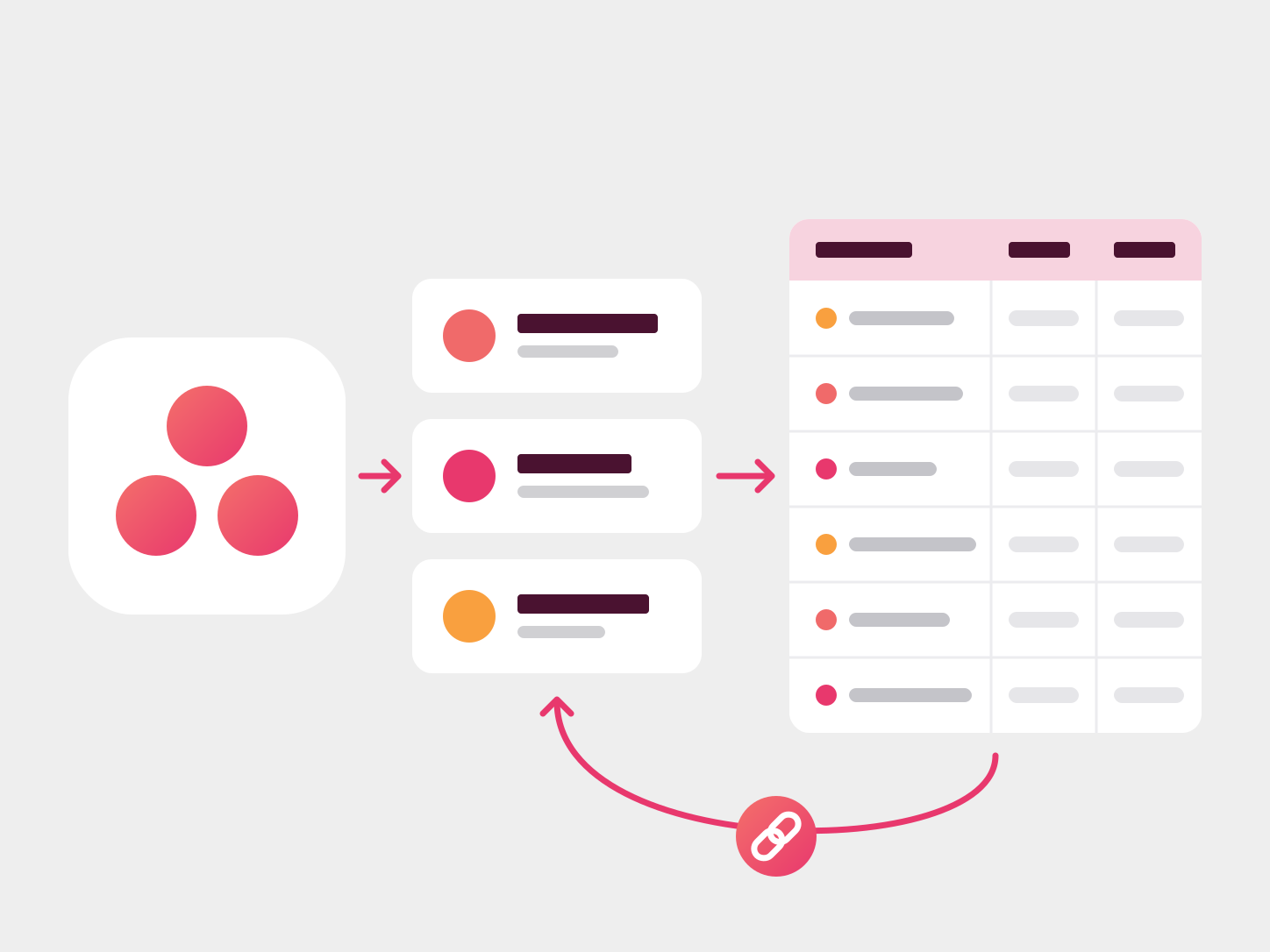
The sync converts the Asana brief into structured, production-ready data for the InDesign plugin, automatically determining asset sizes, templates and file names. Once assets are produced, review and approved artwork links are written back to the relevant Asana tasks, allowing the client to continue working in their existing environment without needing access to the production workflow.
Approach
I first tested the concept against a completed campaign, using the exercise to define the requirements and assess different approaches, including Asana's native capabilities, off-the-shelf automation platforms and a custom build.
A custom solution was the best fit because the workflow required production-specific logic that the other options couldn't accommodate.
I then developed and tested the workflow against a live campaign. This exposed additional requirements that weren't apparent in the initial test, including the need to highlight changes made in Asana, pull work according to media deadlines and preview proposed changes before a sync was run.
The result was a workflow that could adapt to the realities of a live production environment while keeping Asana as the client's primary working interface.
Results
- 652 briefed assets synced across two production batches, feeding a campaign of 2,475 final deliverables.
- File names generated from day one, allowing the client and media agency to review and share them immediately.
- A shared asset ID gave the client, studio and media agency a consistent reference for every asset.
- Reduced manual handling by structuring the briefing data for downstream automation.
- Minimal change to the client's existing workflow, with Asana remaining the primary interface for briefing and approvals.
The system met four of the five original success criteria. The remaining gap wasn't technical: specifications and copy continued to change across email, spreadsheets and Asana, meaning the sync could only be as reliable as the information being supplied to it.
That experience informed the next iteration of the workflow: establish clear ownership of each data source, introduce a shared asset ID from the outset, and agree the file-naming structure before production begins.
Project Details
- Role: Research, solution validation, design & build, recommendations
- Built with: Workflow scripting & API integration
- Type: Workflow Automation
- Status: Piloted in production on a live national campaign